Important.Users with a role in both the EBS Ontrack primary roles group and the EBS Ontrack secondary roles group can switch between EBS Ontrack Hub sessions without re-entering their user credentials. Refer to Header for further information.
Licences required: EBS4Designer , EBS4OntrackEmployer
The roles in the EBS Ontrack secondary roles group control the screens available to a user in Ontrack Staff Hub and Ontrack Learner Hub.
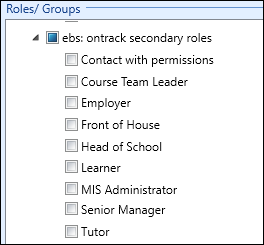
The following secondary roles can be assigned:
-
Contact with permissions
-
Course Team Leader
-
Employer
-
Front of House
-
Head of School
-
Learner
-
MIS Administrator
-
Senior Manager
-
Tutor
Important.An error message is displayed if you attempt to save a user with the same role (for example: Tutor) selected in the EBS Ontrack primary roles and EBS Ontrack secondary roles groups.